📦
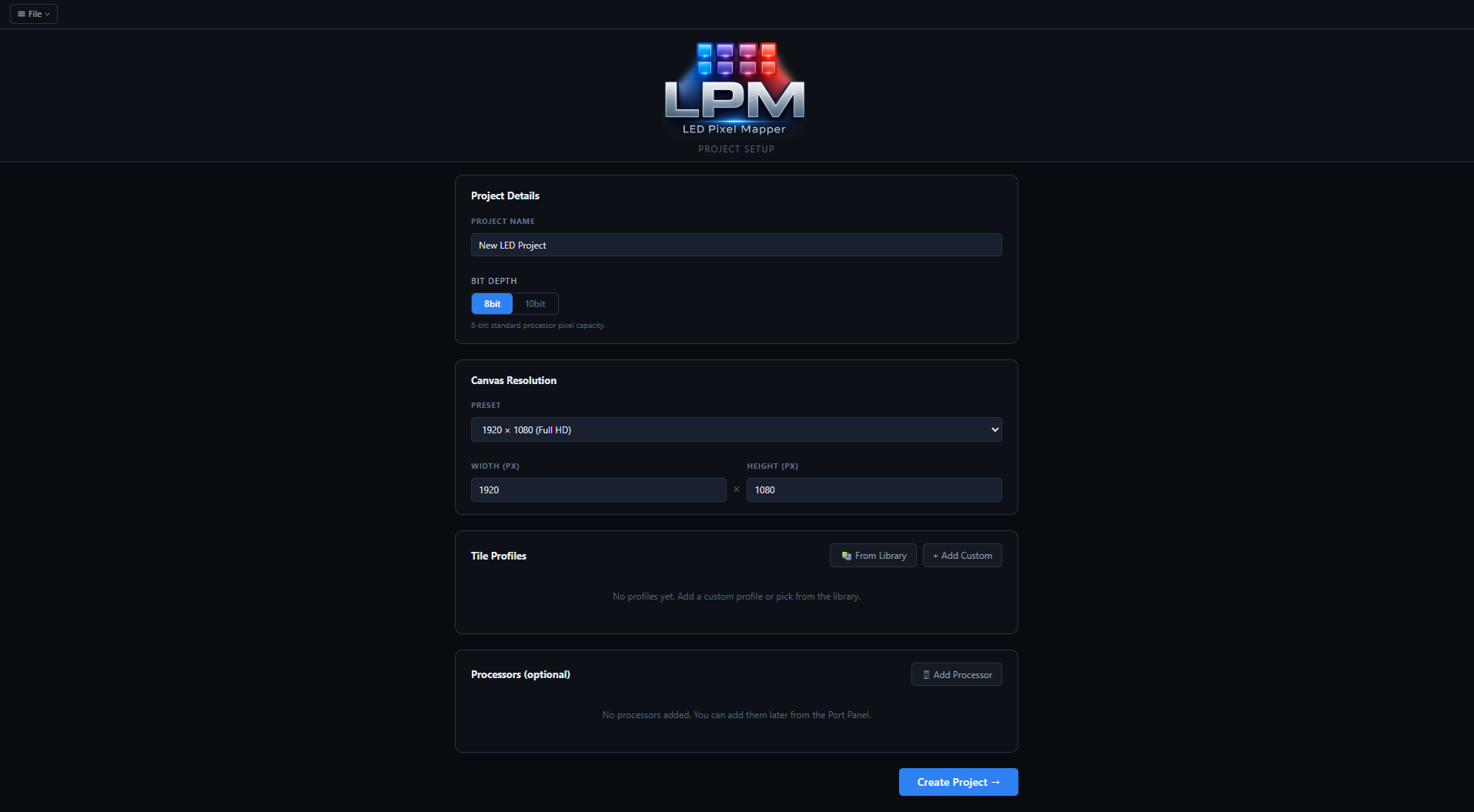
500+ Tile & Processor Library
Pre-built profiles from ROE Visual, Absen, Brompton, Novastar, and
more — or create custom profiles. Add fiber extension boxes like CVTs
directly to your processors. Can't find your hardware? Submit a
request and we'll add it.
🏗️
Multi-Wall Projects
Manage every wall at your event in one project file. Use the Breakaway
Wall feature to slice a massive layout into individual tabs in one
click. Switch walls instantly, with all other walls shown as faded
outlines so nothing gets lost.
📐
Layout & Alignment Tools
Pixel-perfect coordinate inputs that work as calculators. Smart
crossing selection, industry-standard alignment and distribution
tools, grouping, tile locking, and bulk numbering in any direction —
everything you'd expect from professional layout software.
🔌
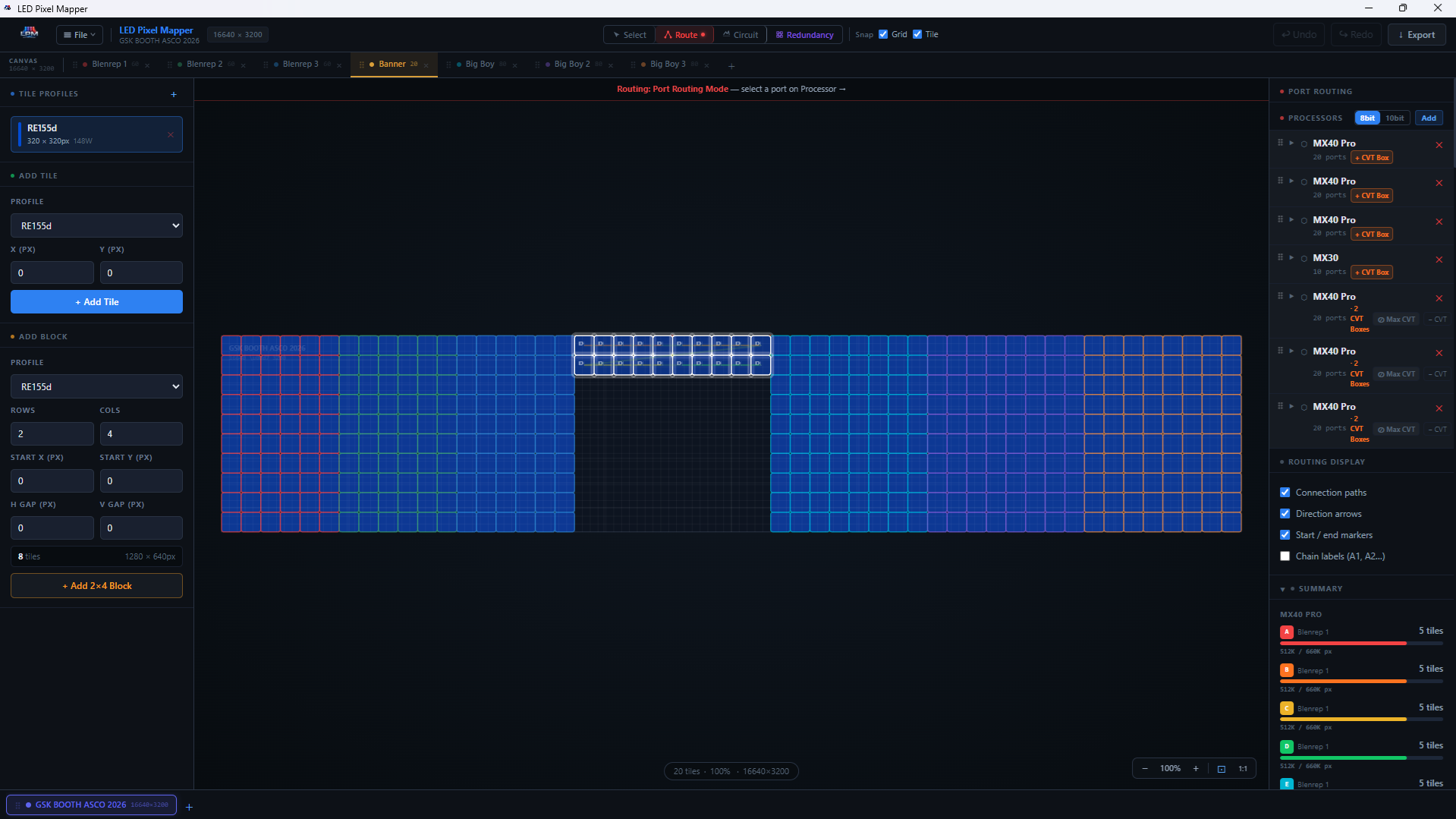
Data Port Routing
Click a port, then use keyboard arrow keys to snap through your wall
tile-by-tile — the same workflow as your processor software. Chain
numbers calculate automatically, ports are color-coded, and live
capacity bars show you exactly how loaded each output is.
⚡
Power Circuit Mapping
Add single circuits or full 6-circuit Socapex bundles. Watch Wattage
and Amperage calculate live as you route, toggle between 110V and
220V, specify Edison / PowerCON / True1 connectors, and model Y-splits
with the Twofer branching tool.
🛡️
System Redundancy Planner
A dedicated drag-and-drop interface for building your show's safety
net. Drag Port B onto Port A for an instant failover line, use
auto-assign for split or sequential backups, or mirror an entire
secondary processor onto your primary with a single drag.
📄
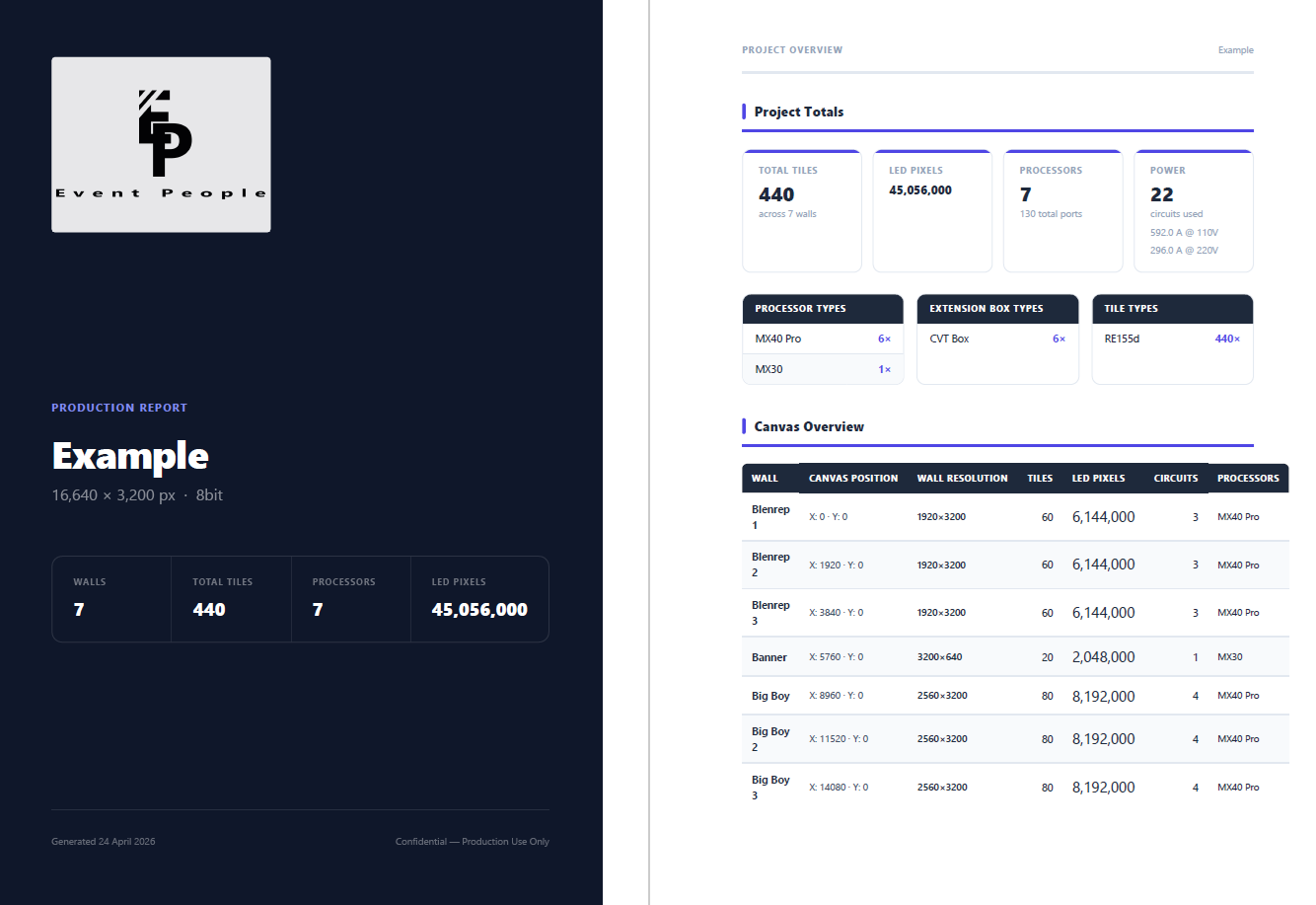
Full Export Suite
One-click ZIP packages pixel maps, data and power flow diagrams
(with Front/Back View watermarks), test cards in PNG or SVG, CSV
production reports, and print-ready PDF reports — all branded with
your company logo.
✈️
Works Fully Offline
No internet required after activation. Use it in the venue, on the
truck, or anywhere you need it. Available in English, French, and
Spanish. Your project files live on your machine, not a server.